
OtoMeter
Experience beautifully designed audio meters on your desktop.

Configure and Control
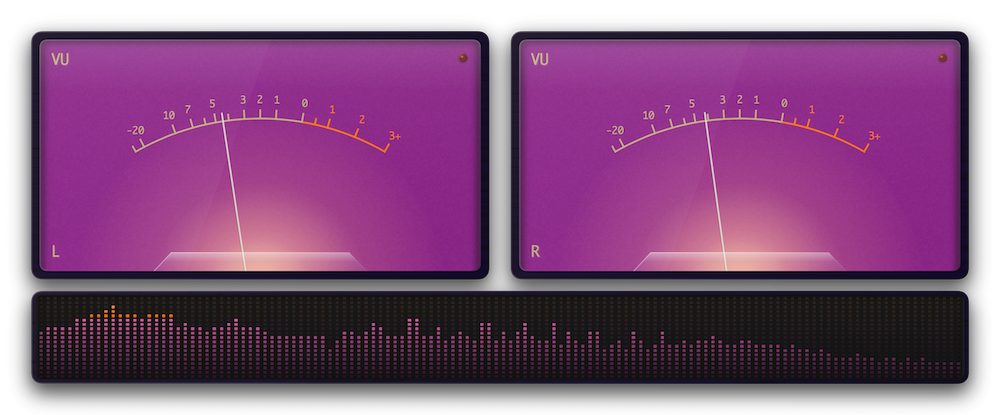
Shape every part of the meters to match your style. Frames, materials, colours, lighting effects, fonts, shapes, sensitivity, digital, analogue and more. Fine-tune the look until it feels like yours, then save it as a preset.
Layout and Accessories
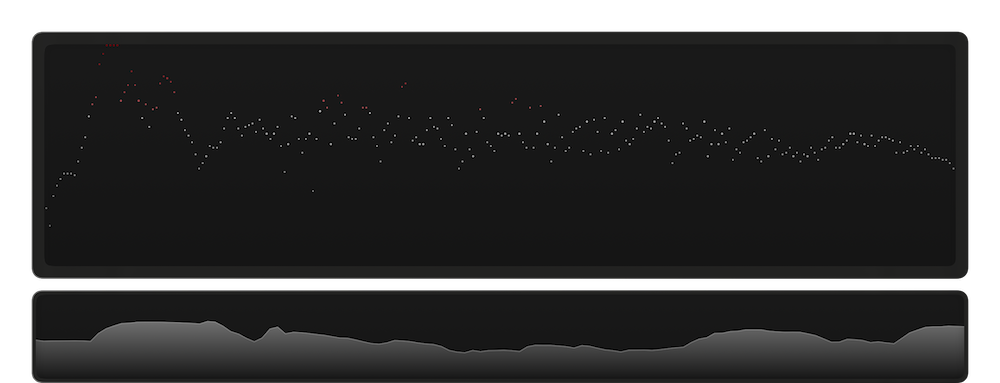
Display the main meters as an Analogue VU or Digital Spectrum Analyser, and choose between Stereo or Mono. Additionally, an accessory meter of a Digital Spectrum Analyser or a Level Histograph can be displayed.
Fullscreen Mode
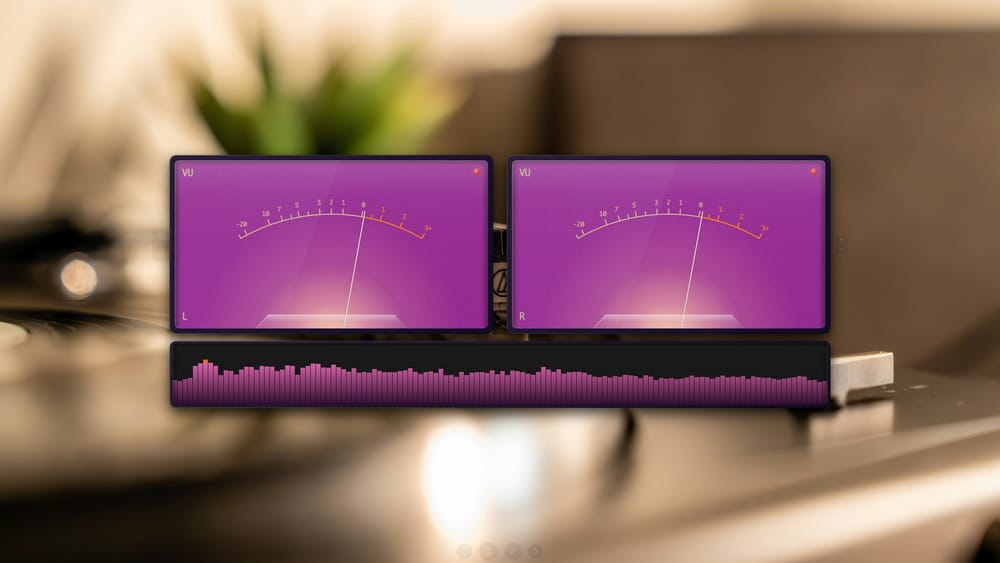
Enter full screen to experience your meters without distraction. Set your own backdrop image and cycle through favourite presets and meter types.
Simple Setup
OtoMeter reacts in real time to the music, videos, and audio playing on your Mac.
There is no complicated audio configuration or routing to configure. OtoMeter simply taps into the main audio output.
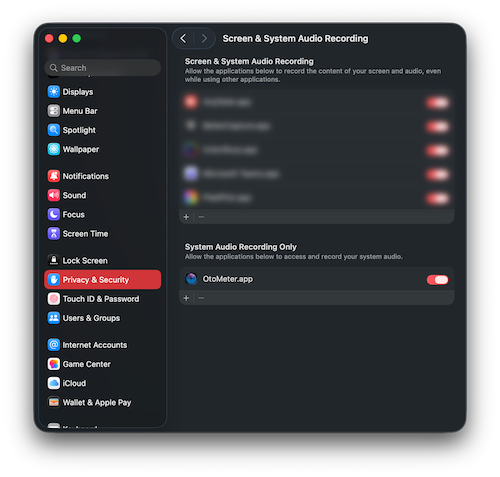
To enable it, open System Preferences > Privacy & Security > Screen & System Audio Recording, then turn on OtoMeter under System Audio Recording Only.
Privacy
Audio is captured and processed live on-device purely for visualisation. OtoMeter does not transmit or store any captured audio.
See link to our Privacy Policy here.
OtoMeter